
Release notes
What's new in Birdie, release by release.
Birdie 1.6
November 2026
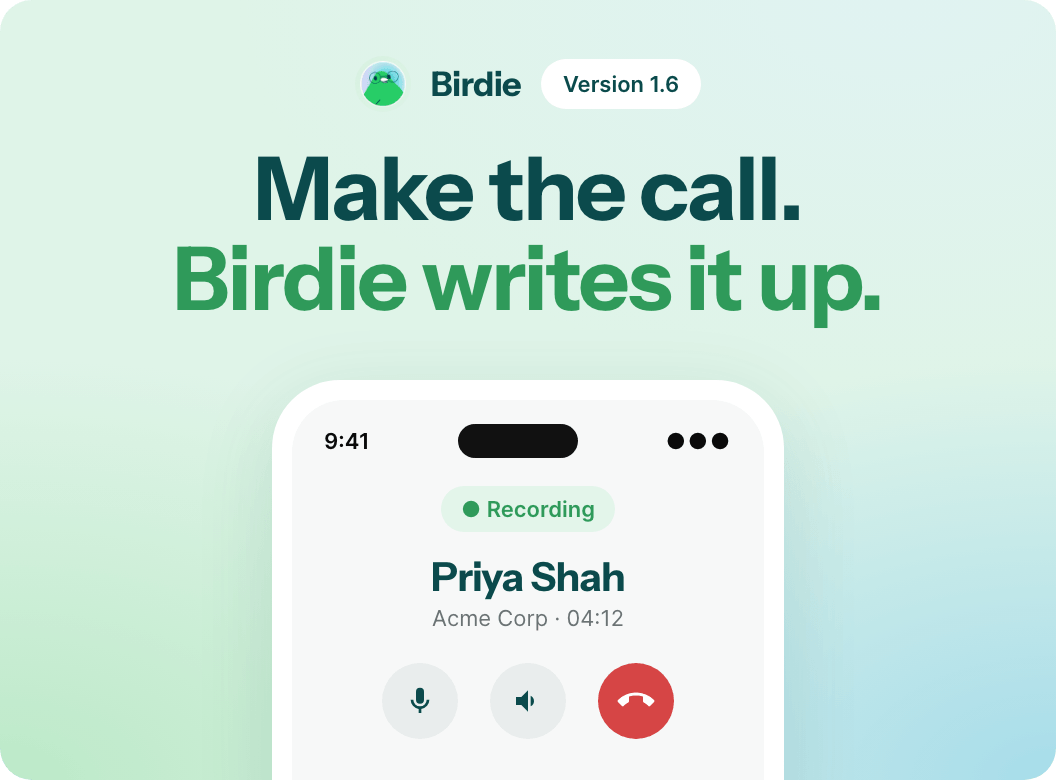
Birdie 1.6 is built around the calls you make. Call a prospect from the app and Birdie writes it up, your day sits on your Home Screen, and your brief is ready before you are.
Call from Birdie
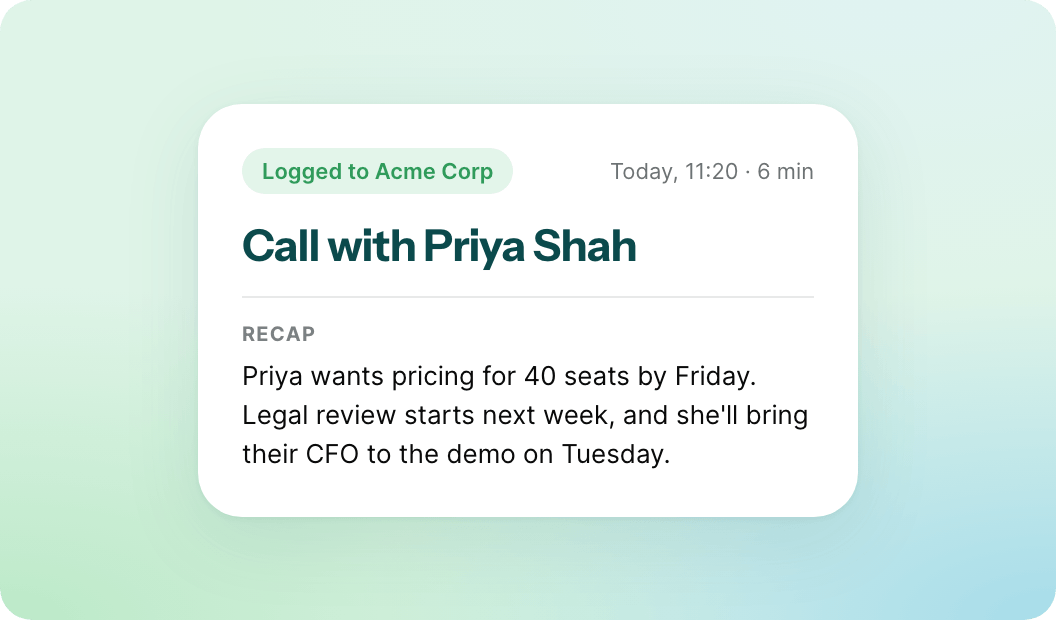
Set up Recorded calls once by verifying your mobile number, then call a prospect from the keypad or your contacts. The call shows your own number. When you hang up, Birdie matches the call to the contact and writes a recap, which you'll find on Home under Recent calls.
Your day on your Home Screen
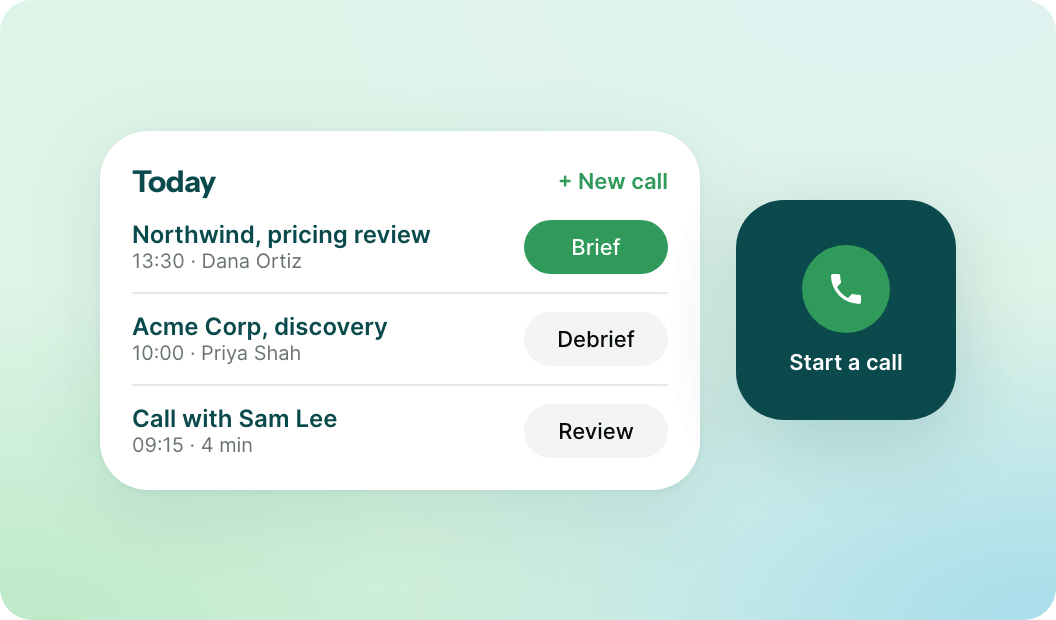
New widgets for your Home Screen and Lock Screen show today's calls and meetings, each with the next step: Brief before a meeting, Debrief after it, Review after a call. Start a call opens the keypad in one tap.
Briefs that are ready when you are
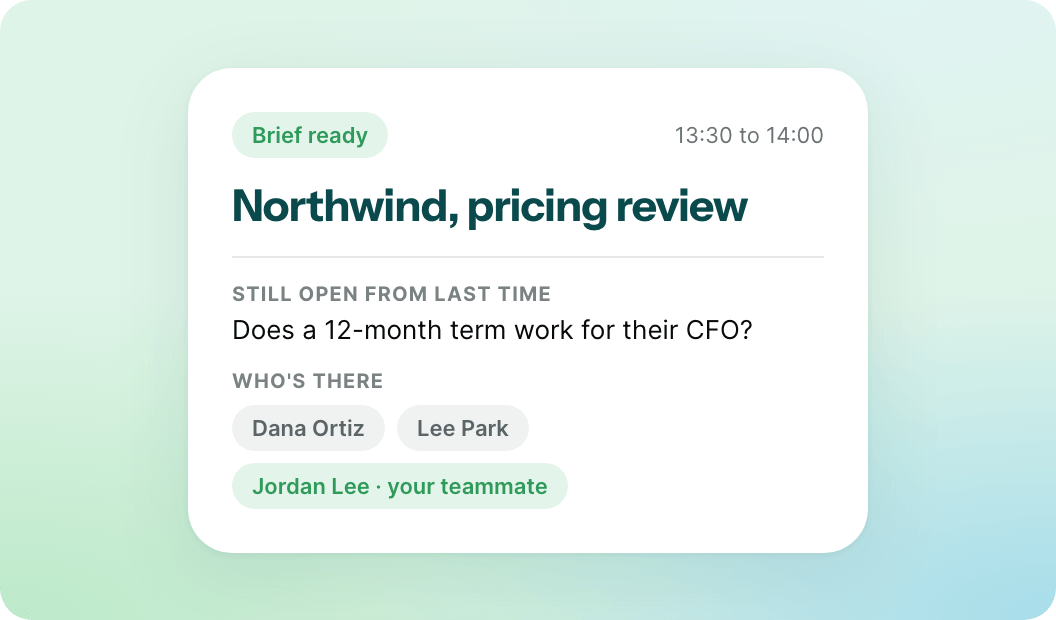
Birdie now prepares your brief ahead of time, so it starts straight away. It covers recent emails, what changed on the deal and anything your last debrief left open, and it tells you which attendees are your own teammates. Your debrief then opens on the question that matters most.
Say "push it"
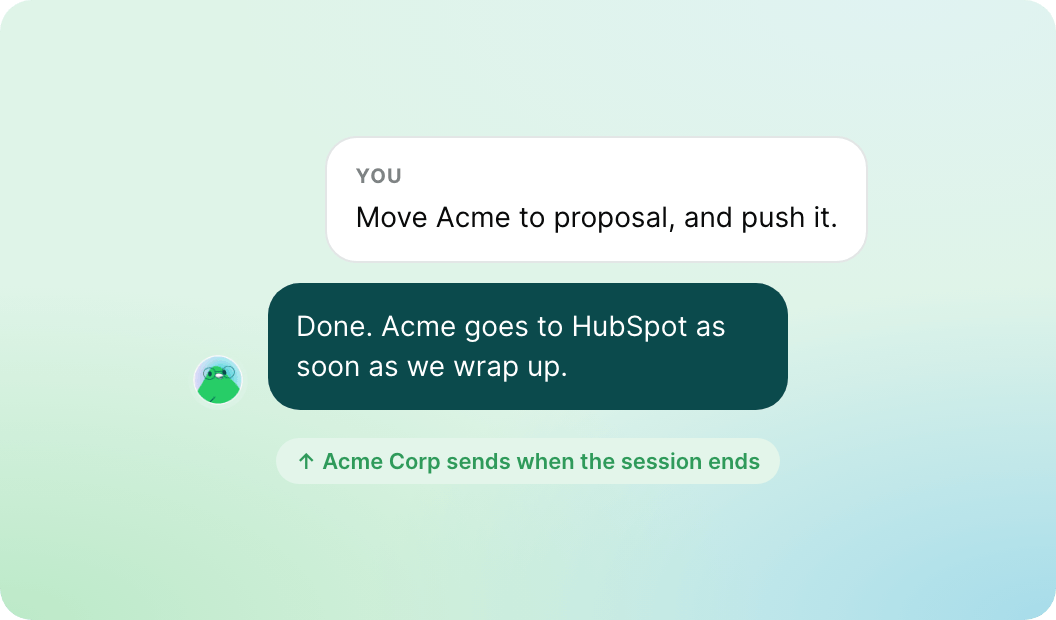
Tell Birdie to "push it" or "send that to HubSpot" and that record's changes go to your CRM as soon as the session ends. Everything else still waits for your review.
Names that sound alike
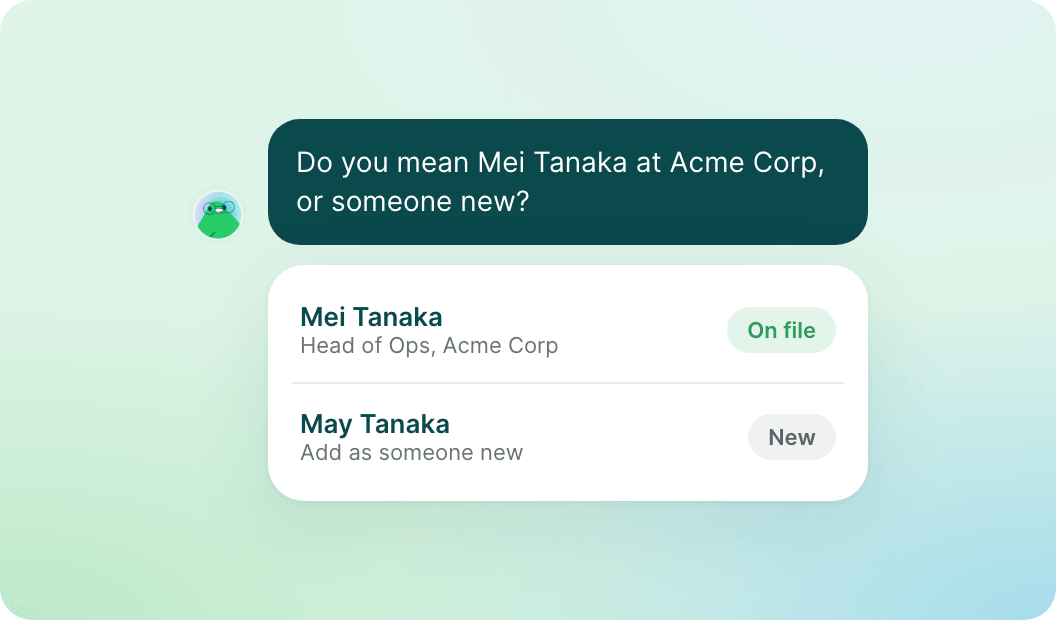
If you say a name that sounds like someone already in your CRM, like May Tanaka when Mei Tanaka is on file, Birdie checks which you mean before adding anyone new. If two people share a name, it asks before removing either.
Also shipped
- Birdie keeps listening. If speech recognition goes down, a backup takes over. If Birdie can't hear you at all, it tells you.
- Only your calendar. Home shows meetings from your own calendar, not your teammates', and keeps in-person meetings.
- Long lists, read in full. Ask for the rest and Birdie keeps going past the first five.
- Simpler team invites. Invite, resend and revoke from one screen.
- Update reminders. When a new version is out, the app offers it, with a Later option.
Birdie 1.5
October 2026
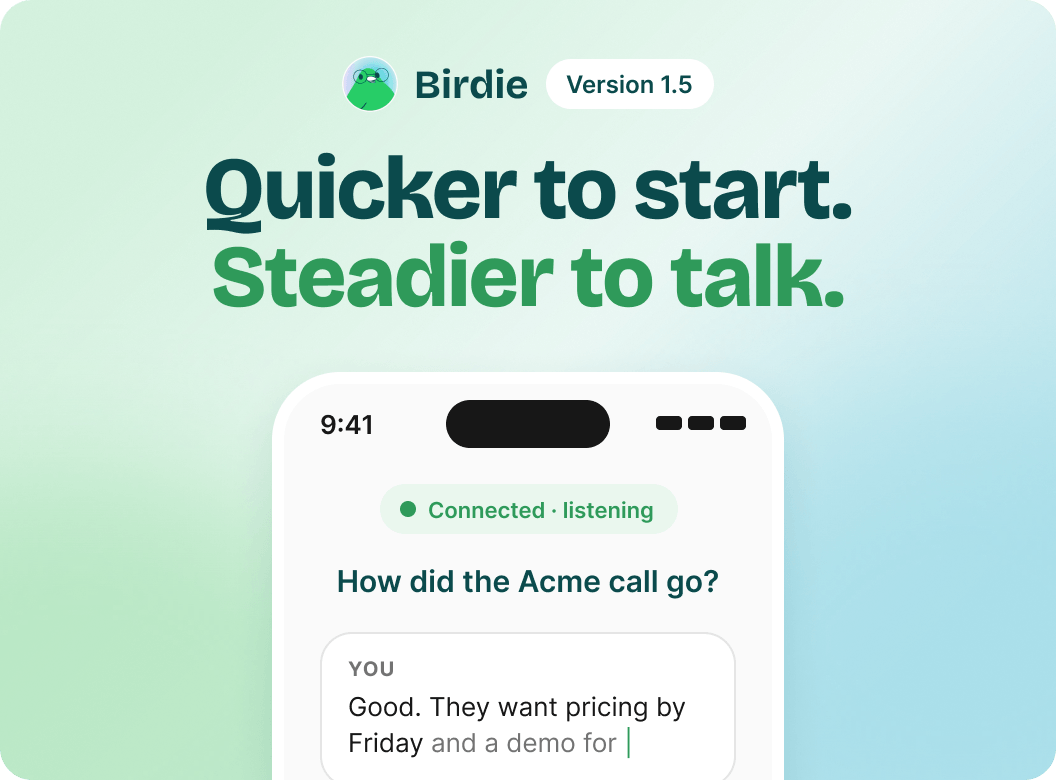
Birdie 1.5 runs on a new voice engine, so sessions start sooner and hold on through a weak signal. It also works with Salesforce, and tells you when a change doesn't make it into your CRM.
A new voice engine
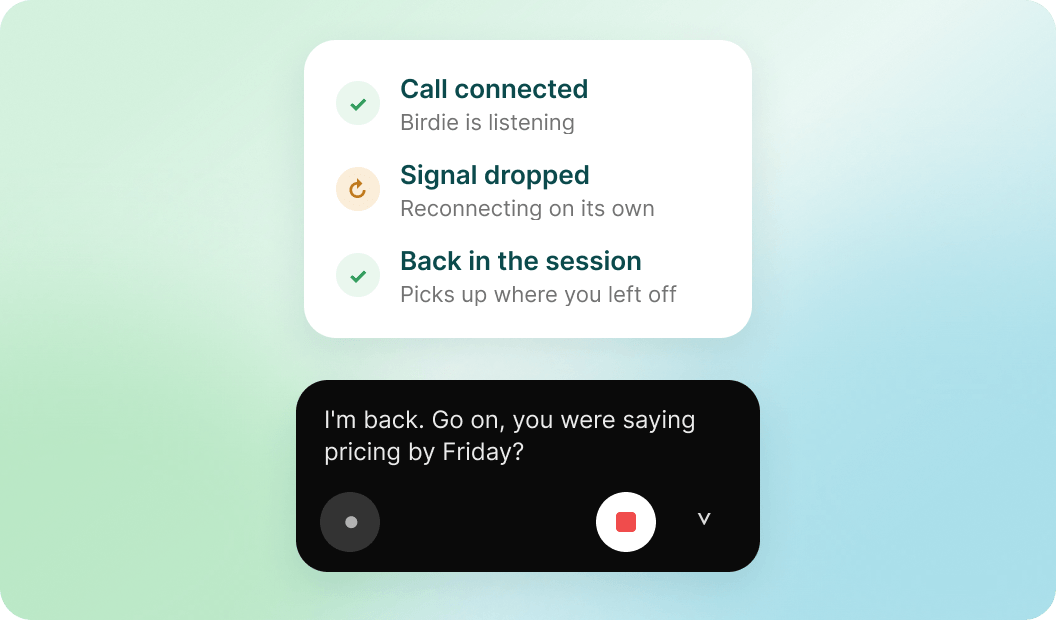
You hear Birdie the moment the call connects, and your words appear on screen as you say them. If your signal drops, Birdie reconnects and picks up where you left off.
Salesforce, connected
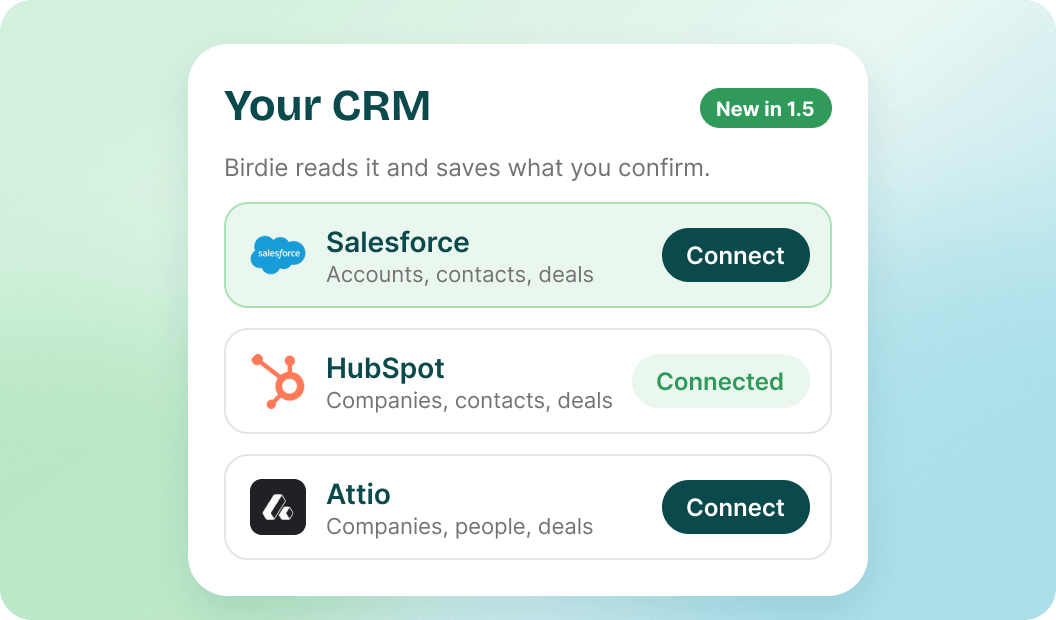
Connect Salesforce and Birdie works from your accounts, contacts and deals. Once you confirm, notes, tasks and deal stages go back to it. If your company needs an admin to approve Birdie first, the app tells you.
See what your CRM didn't keep
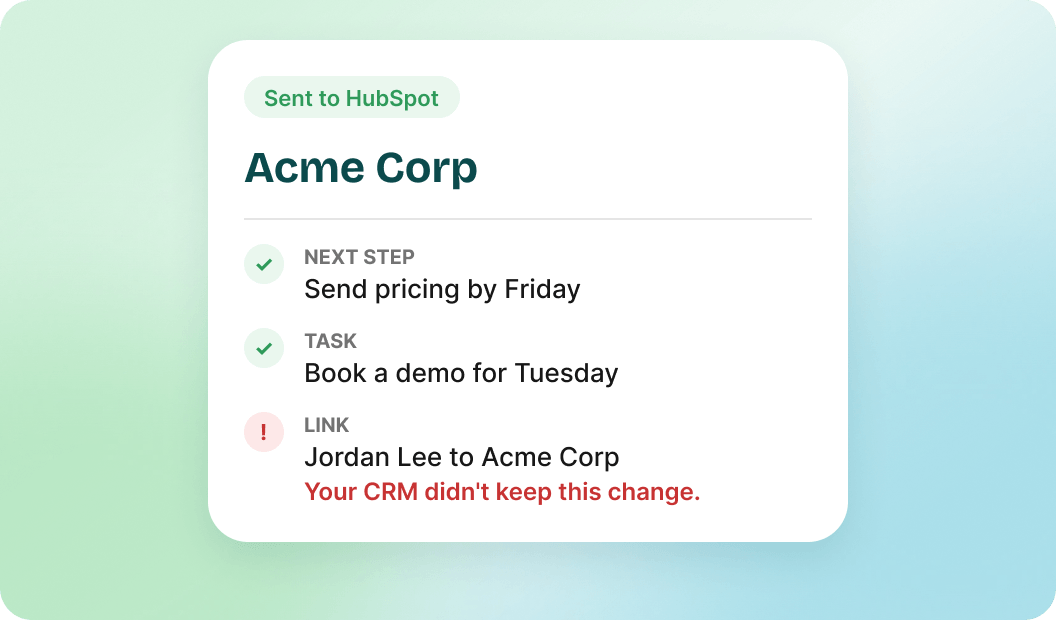
If your CRM refuses a change or never saves it, Birdie now says so on the change itself instead of dropping it quietly.
Fix a note after the fact
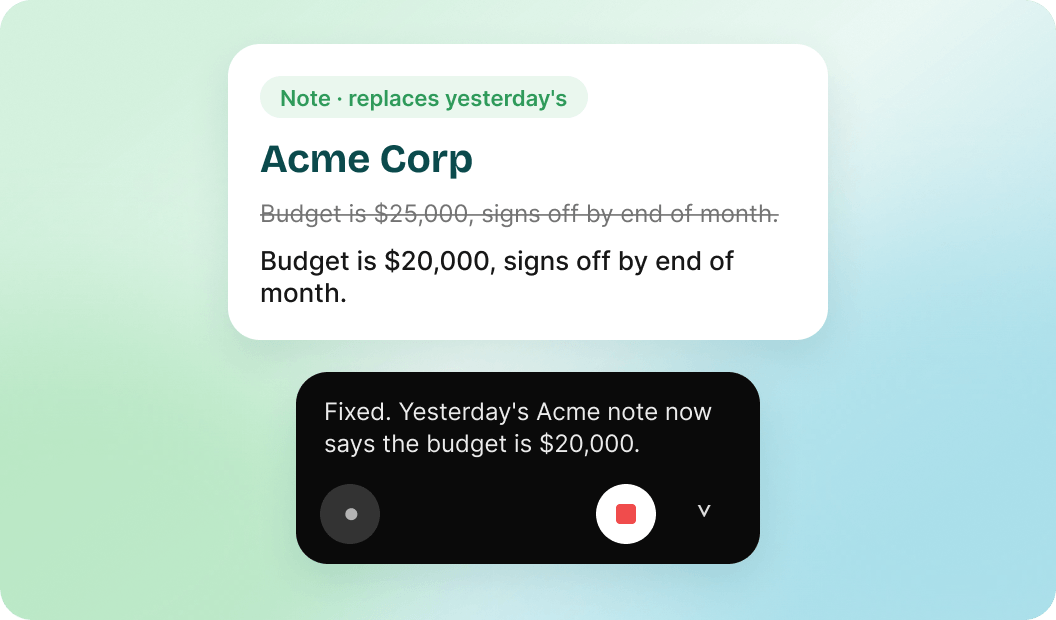
Got a detail wrong last week? Ask Birdie to correct the note from that session and it replaces it rather than adding another. Say "revert" and it takes back a change before it goes out.
Your week on Home
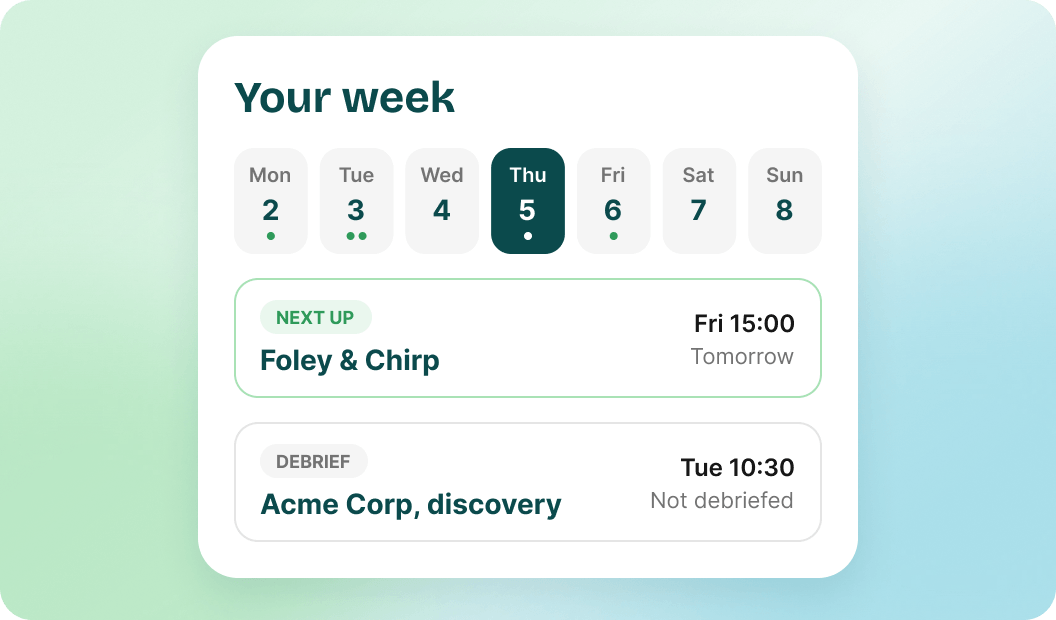
Home now shows your meetings from a week back to a week ahead. Your next meeting shows even when it's days away, and anything from the last seven days is still there to debrief.
Also shipped
- Ask about past meetings. Birdie can search what was said in your earlier meetings and emails again.
- Research someone new. When Birdie adds a new company or contact, it offers to look them up and can keep what it finds as a note.
- Clearer sound on iPhone. Birdie no longer sounds like it is on a phone call.
Birdie 1.4
October 2026
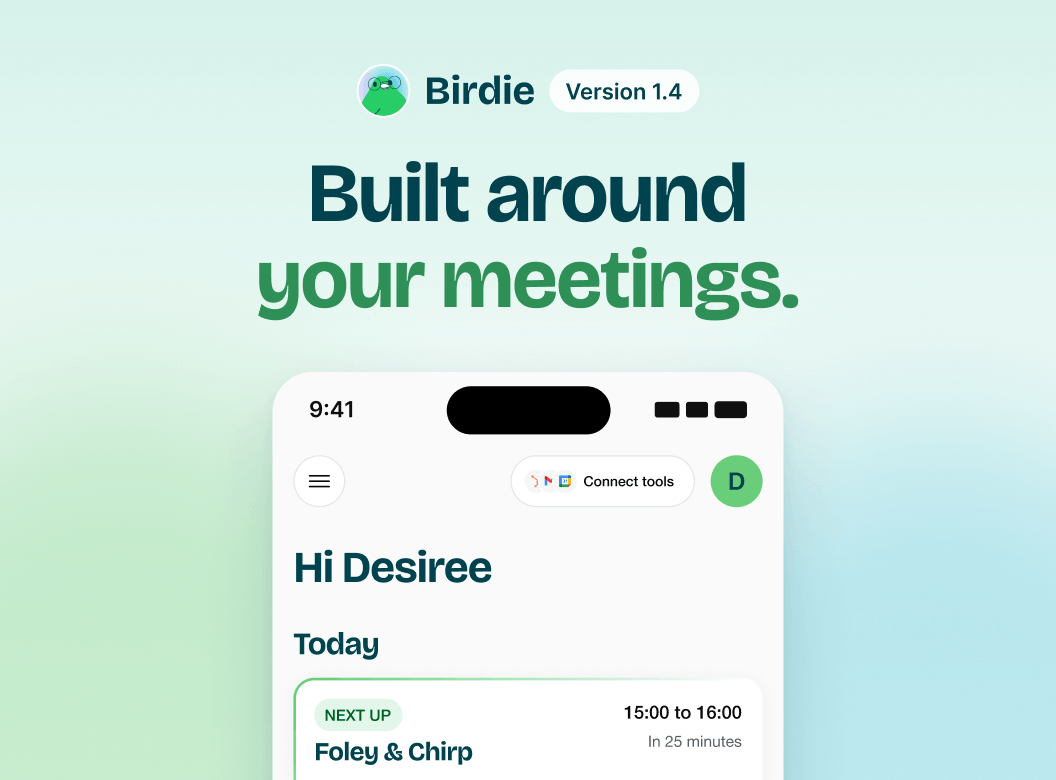
Birdie 1.4 plans your day around your sales meetings, turns what you say into tasks, and brings your inbox and calendar into the conversation.
Meeting briefs on Home
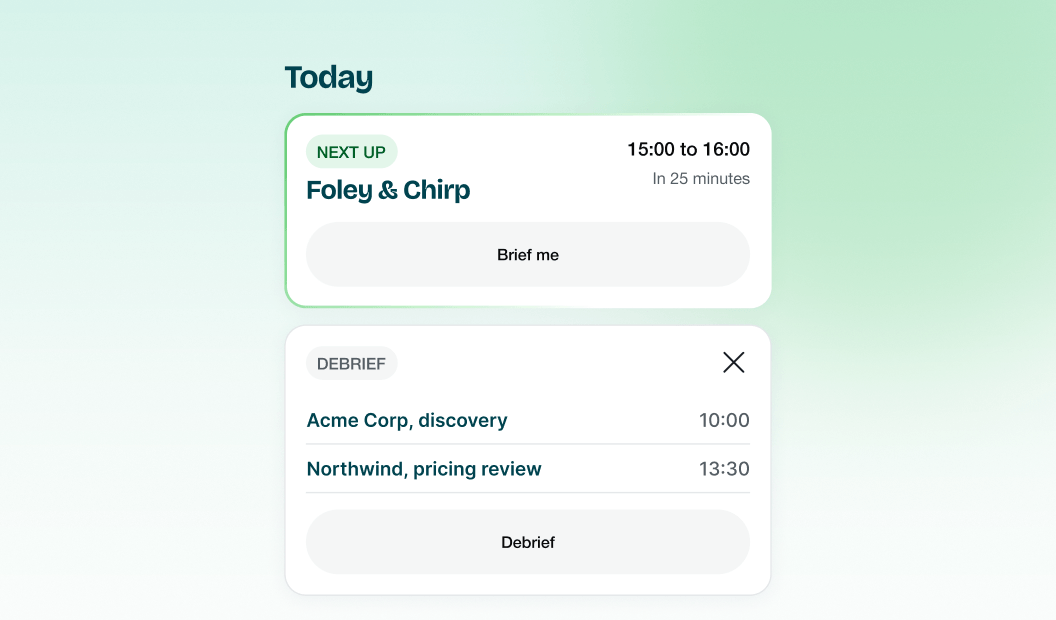
Home now shows your sales meetings for the week. Before each one, Birdie gives you a brief covering who you're meeting, where the deal stands, and what happened last time.
Guided debriefs
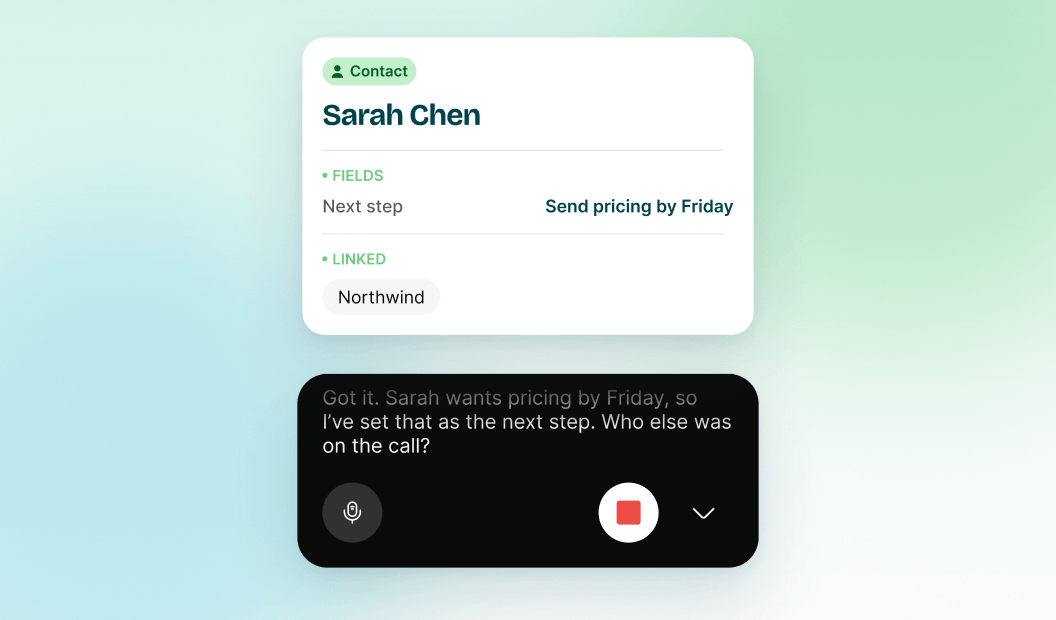
After a meeting, Birdie walks you through a debrief while it's still fresh. If you've had several, it takes them one at a time.
Debrief from your Granola notes
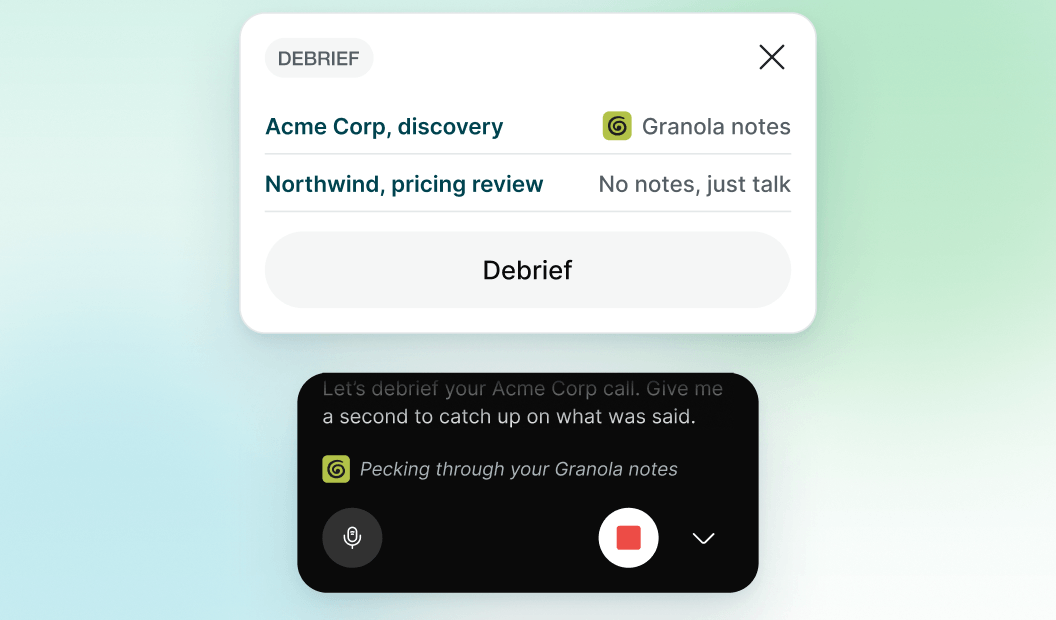
Connect Granola and Birdie starts your debrief from the meeting notes, so you only fill in the gaps.
Follow-ups become tasks
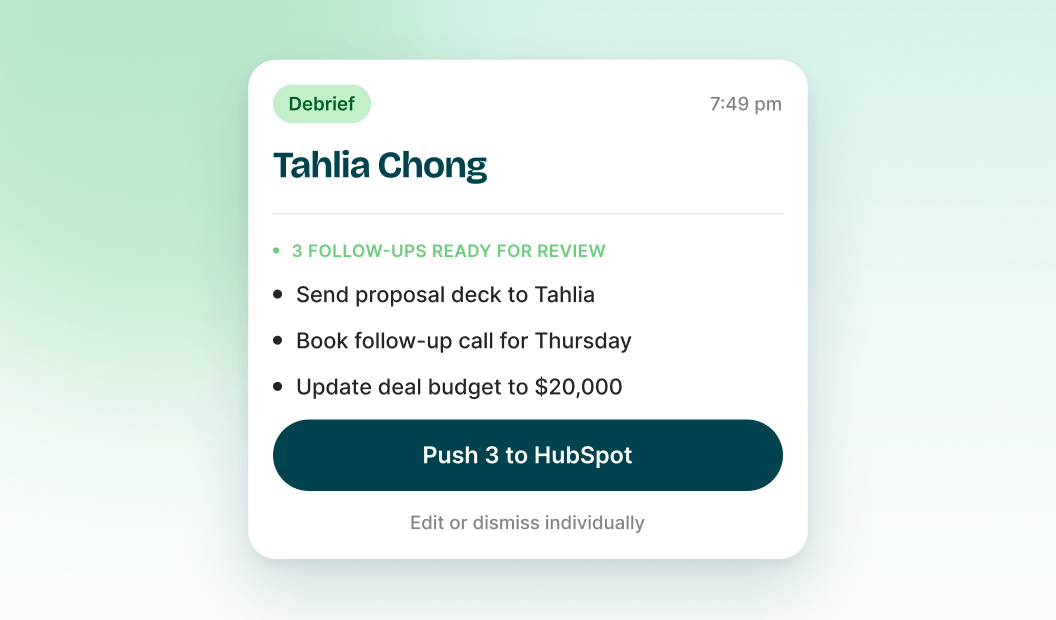
Mention that you owe someone a follow-up and Birdie makes it a task on the spot. Once you confirm, tasks go to HubSpot, and anything with a due date goes on your calendar.
Your inbox and calendar, connected
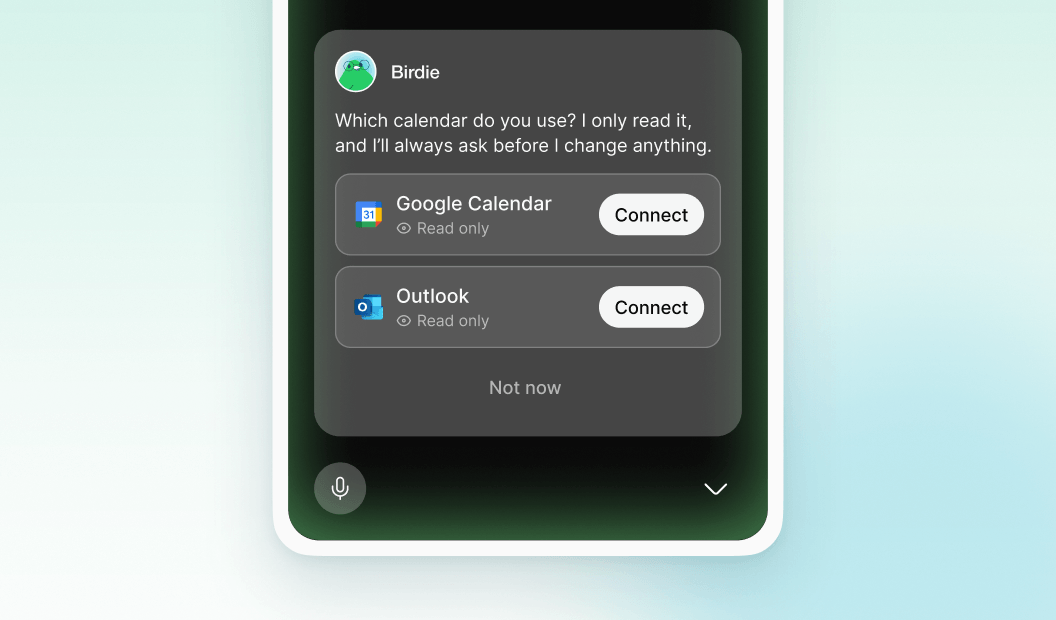
Connect Google Calendar or Outlook, plus your Outlook mailbox. Birdie can then search your inbox for emails about a deal.
Review before it reaches your CRM
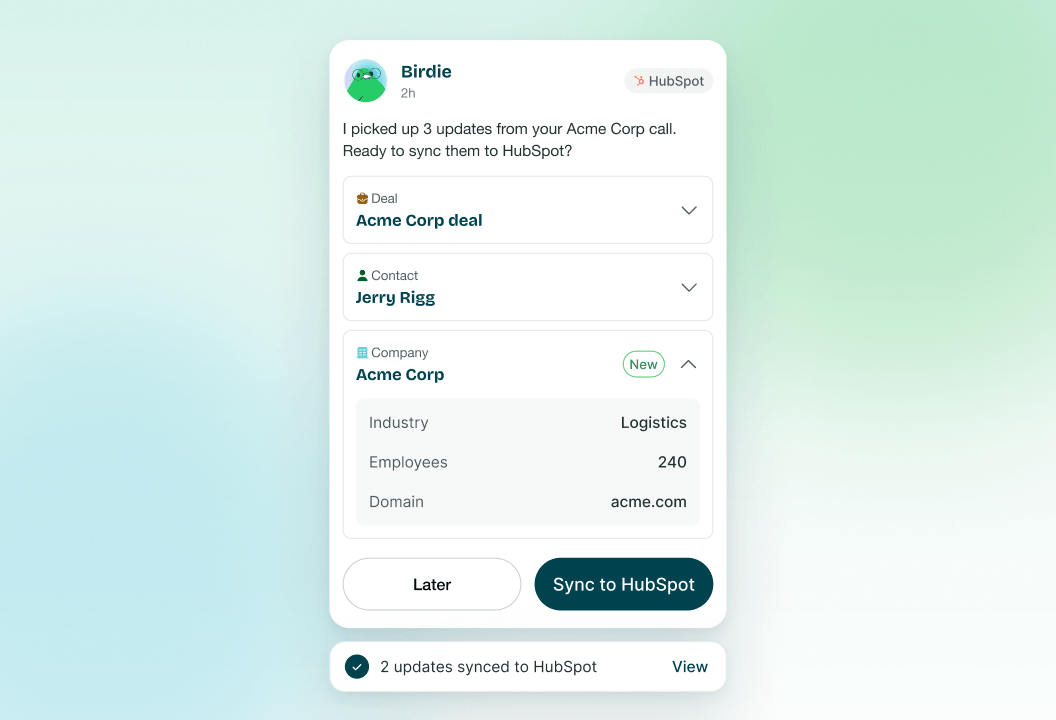
Birdie shows what it's reading as it works. You can undo an edit, or review every change before it reaches your CRM.
Also shipped
- Sessions keep going. Switch to another app and your session carries on.
- Names come out right. Birdie is better at recognising the people and companies you talk about.
- A guided first session. New users get set up on one of their real meetings.